
Drawing Splines and Extruding Outlines
Placing a path point by point in an inspector is slow. In 1.3 you draw it. Click points or sketch a stroke onto your level, and the graph follows. Pair a closed outline with the new Extrude Spline Mesh node and you have a custom platform in seconds.
Draw a spline
- Give your graph a Spline parameter. See Working with splines.
- Select the executor, or open the graph's Preview Stage, and choose the OctoShaper Spline tool in the Scene view.
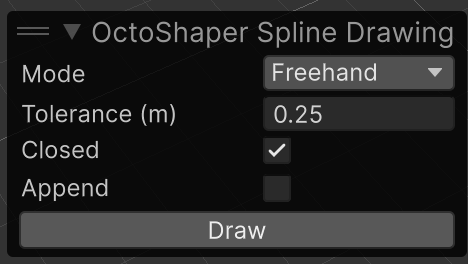
- In the OctoShaper Spline Drawing overlay, pick the Spline to draw and a Mode, then click Draw.
| Mode | How it works |
|---|---|
| Click points | Each click adds a point. Enter finishes, Backspace removes the last point, Esc cancels. |
| Freehand | Drag a stroke. On release it is simplified so no point strays further than Tolerance from what you drew. |
Points land on scene geometry under the cursor, or on the graph's ground plane where there is none. Closed joins the last point to the first. Append continues the current open spline instead of replacing it.
The drawing goes to the same place as any Scene view edit: the active configuration's override, or the graph default. One drawing is one Undo step.
Edit points afterwards
With the Spline tool active, drag any point directly. The full position handle only appears on the point you're editing, so long splines stay readable. Bezier handles work as before.
Extrude a closed outline
Extrude Spline Mesh turns a closed spline into a capped solid. Its XZ outline is extruded along +Y from each point's own height.
| Input | What it does |
|---|---|
| Height | Extrusion in metres. Negative values extrude downwards. Constant or per-element attribute. |
| Taper | Moves the outline inwards at the far end, in metres. Negative values flare it out. |
| Segments | Samples for Bezier splines. Linear splines keep their corners. |
| Cap Top / Cap Bottom | Close the solid. |
| Smooth Angle | Corners turning less than this angle are shaded smoothly. |
Concave outlines work; self-intersecting ones don't. Side UVs run in metres along the outline and up the wall, caps use XZ.
The result is an ordinary procedural mesh: realize it and draw it, with Draw Instanced and Mesh set to Attribute mesh.
Offset an outline
Offset Spline moves every point sideways in the XZ plane by Distance. Positive values grow a closed outline, negative values shrink it, and open splines move to their right. Corners are mitred; large inward offsets on tight curves can fold the outline.
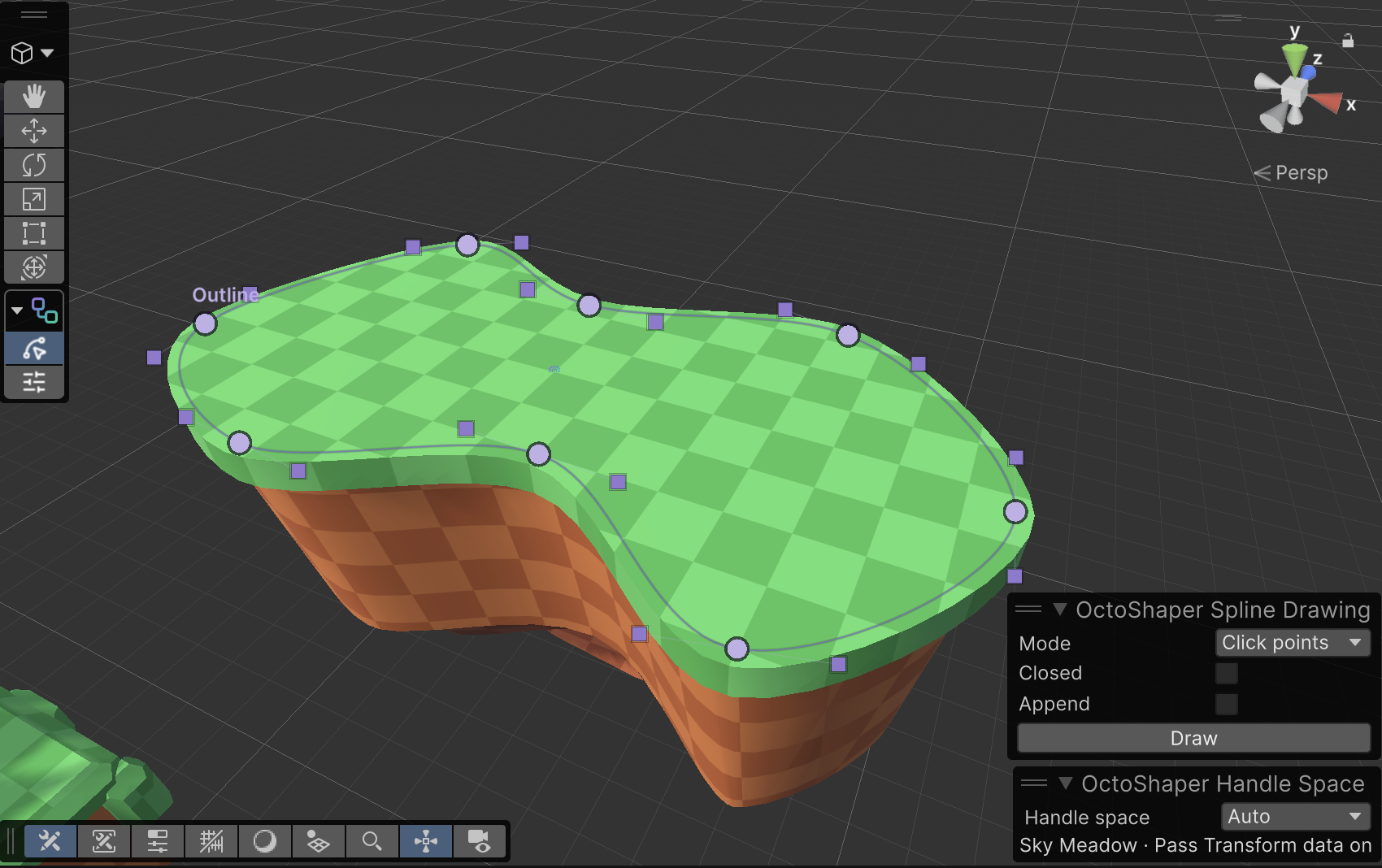
Example: a custom platform
- Draw a closed outline with Freehand and Closed on.
- Extrude it with a negative Height and a little Taper for a rocky body.
- Run the same spline through Offset Spline with a small positive distance, and extrude a thin slab on top for grass.
- Realize both and draw each with its own material.
Next: give the platform's height a Scene handle so you can drag it.