
Modular layouts
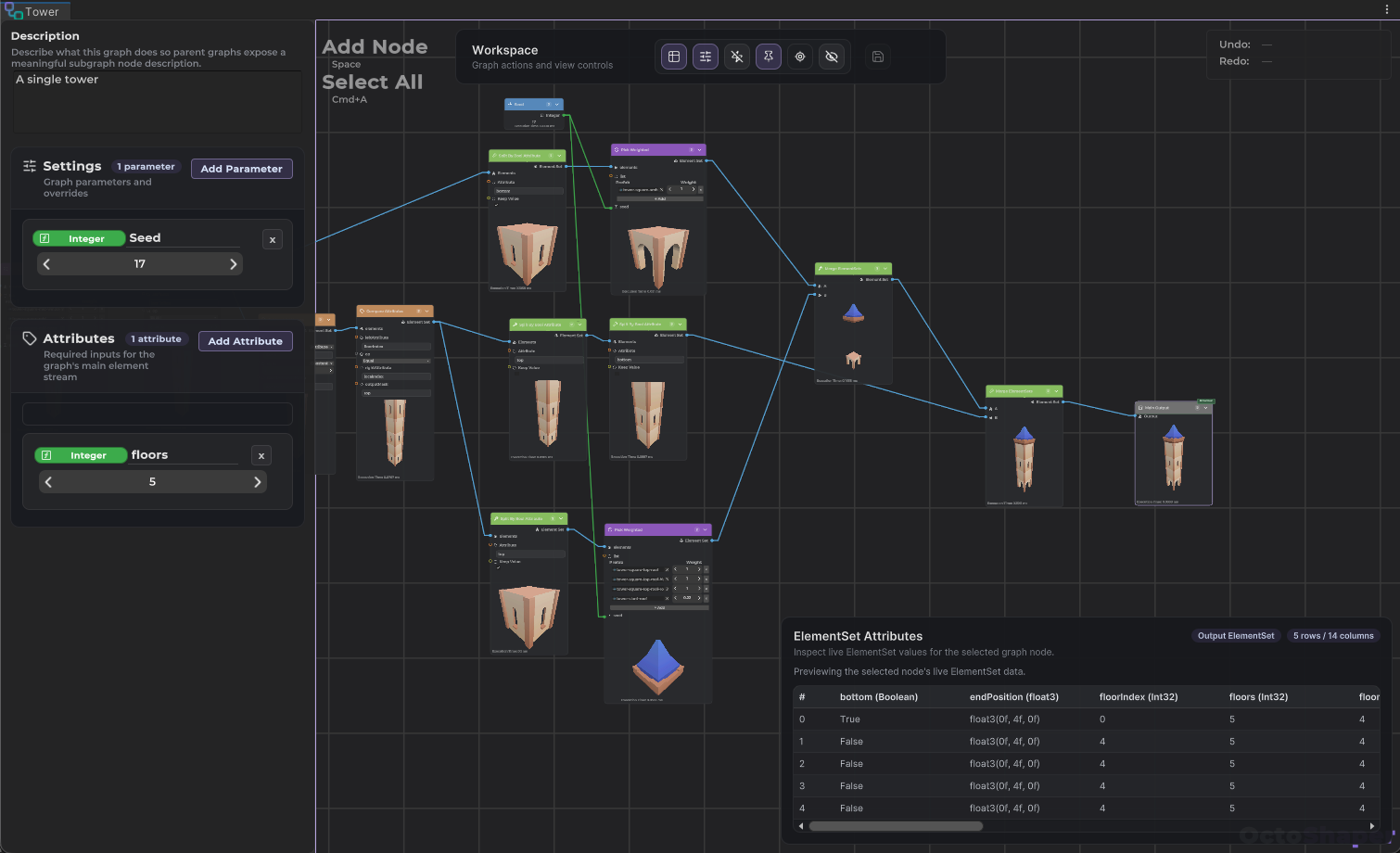
Walls, towers and houses placed by the graph, while you control the overall shape.

Connect nodes, adjust parameters and see the result update in your scene. Visual graphs for most jobs, a C# API when you need it.
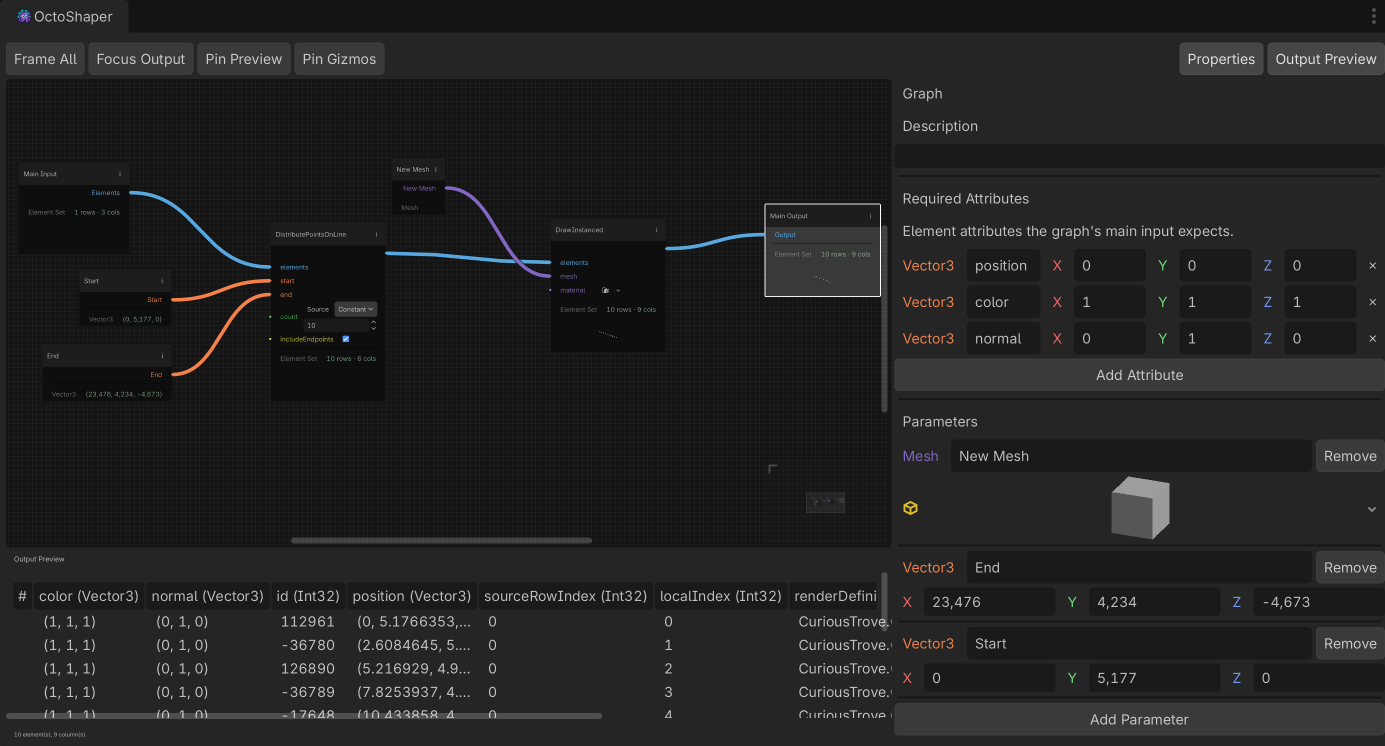
200+ nodes in the box, from scattering to splines, meshes and physics queries.
Browse the node catalogConnect nodes, adjust parameters and see the result update in your scene. Every graph is a regular asset in your project.
New to OctoShaper? The getting-started tutorial builds a reusable graph step by step, with a video companion.
Layouts, buildings, vegetation, splines and meshes, each generated by a graph.
Walls, towers and houses placed by the graph, while you control the overall shape.
Floors, windows and roofs from your own modular pieces, stacked by the graph.
Grass and small plants over large areas, drawn with GPU instancing.
Bridges, walls and paths: your meshes placed and instanced along a curve.
Points sampled on meshes and terrain, culled by slope, with props that sit on the ground.
Landmarks like this arena, generated from a few parameters instead of modelled.
Use the OctoShaper skill to make a stylised rock graph. Expose the seed, point count and roughness.
I'll look up the nodes I need, then build and render the graph.
unity command octoshaper --operation catalog --request_json '{"query":"convex hull"}'→ Mesh.ConvexHull · Convex Hull Meshunity command octoshaper --operation iterate --request_file rock.iterate.json✓ saved Assets/Graphs/StylisedRock.asset✓ rendered perspective.pngDone. StylisedRock is saved, with Seed, Point Count and Roughness exposed.
Bezier paths live in the graph settings. Drag their handles in the Scene view and the graph follows.
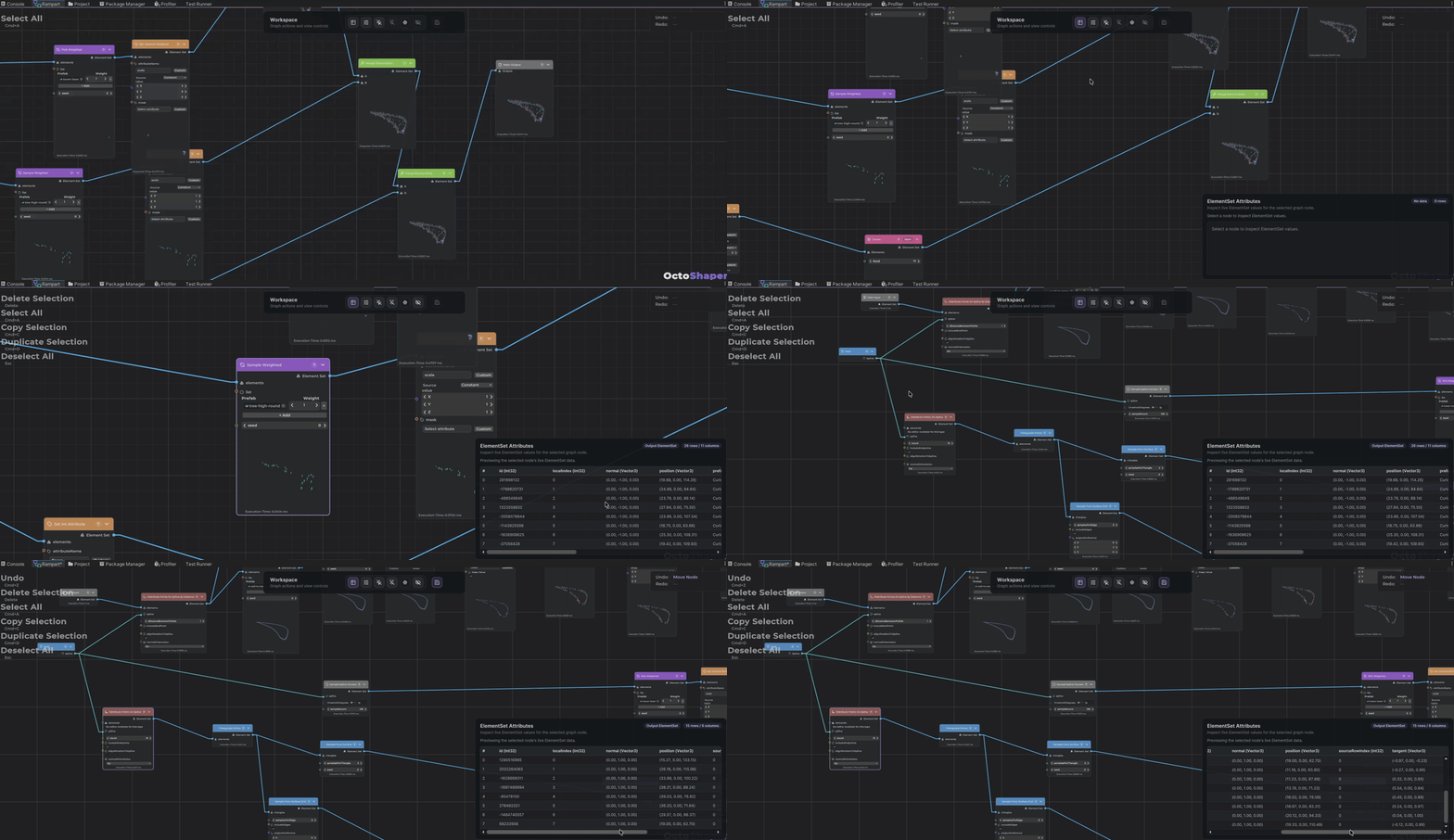
Try ideas in an isolated stage without touching your open scene. Pin the preview to any node, and another node's points and edges as gizmos.
Drop one graph into another like any node, preview included. Each copy gets its own parameter values.
[NodeDefinition(Id = "mygame.jitter", Name = "Jitter Positions")]
public static void JitterPositions(ElementSet elements, float magnitude = 0.5f)
{
    // Parameters show up as ports in the graph.
}if (executor.TrySetParameterOverride("Seed", seed))
executor.Evaluate(); // or await EvaluateAsync()Short, practical articles and video tutorials. Install, build your first graph, then pick the topic you need.
A short checklist for moving a project to 1.2, and what changed for existing graphs and code.
4 min read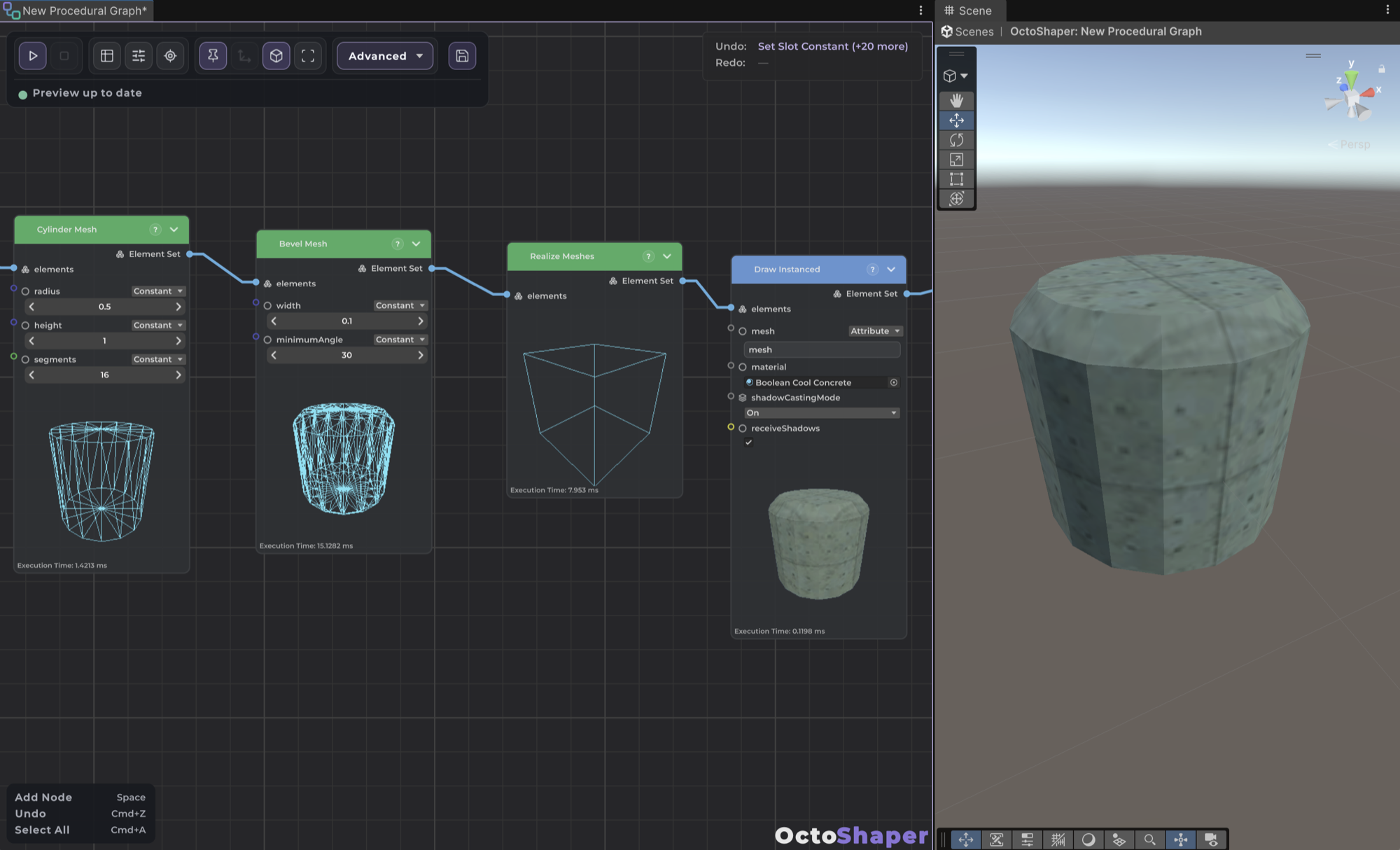
Generate, edit and render real meshes in a graph with primitives, bevels, booleans, spline sweeps and Realize Meshes.
7 min read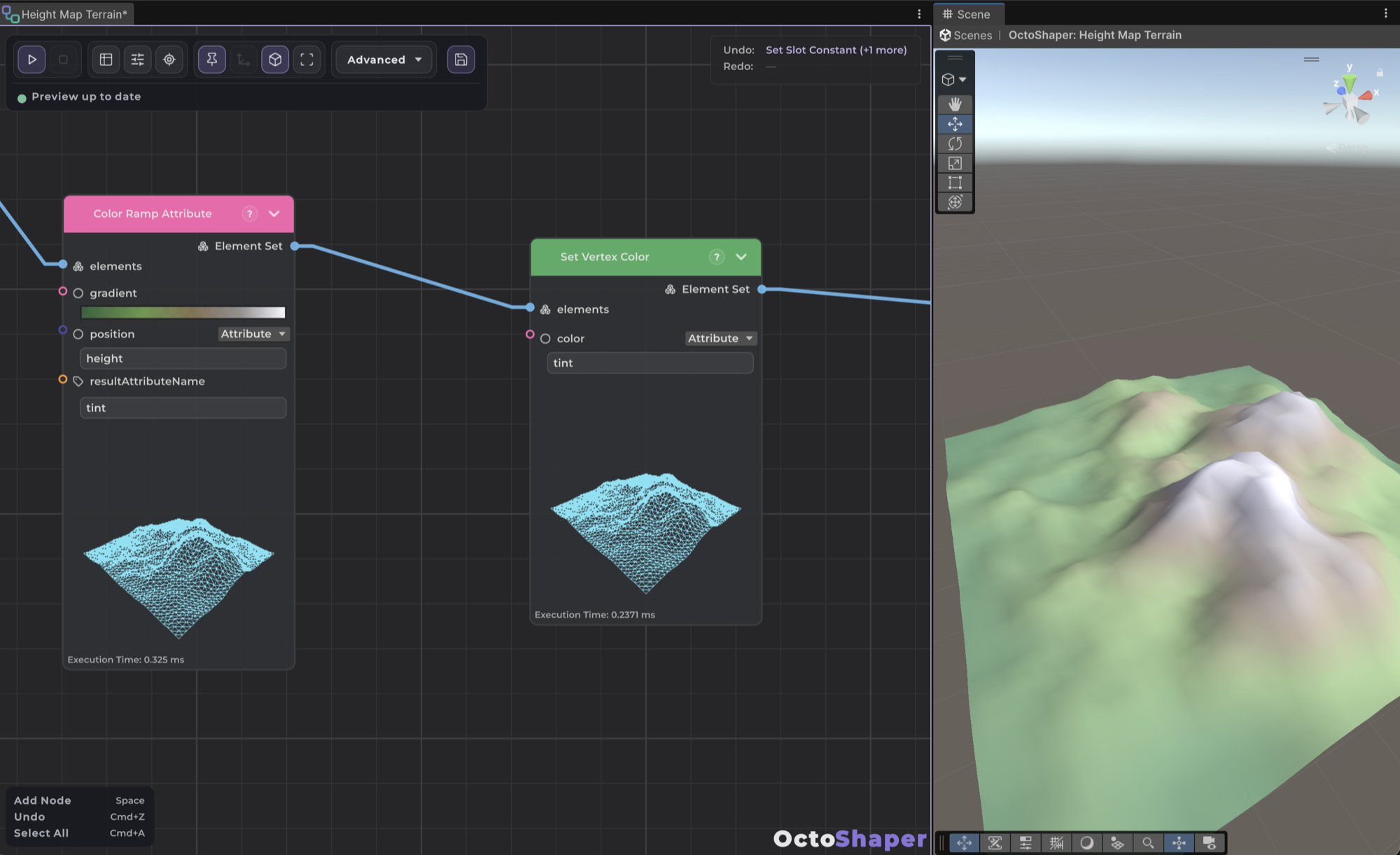
Color ramps, texture sampling, height-map displacement, vertex colors and per-instance material overrides.
8 min read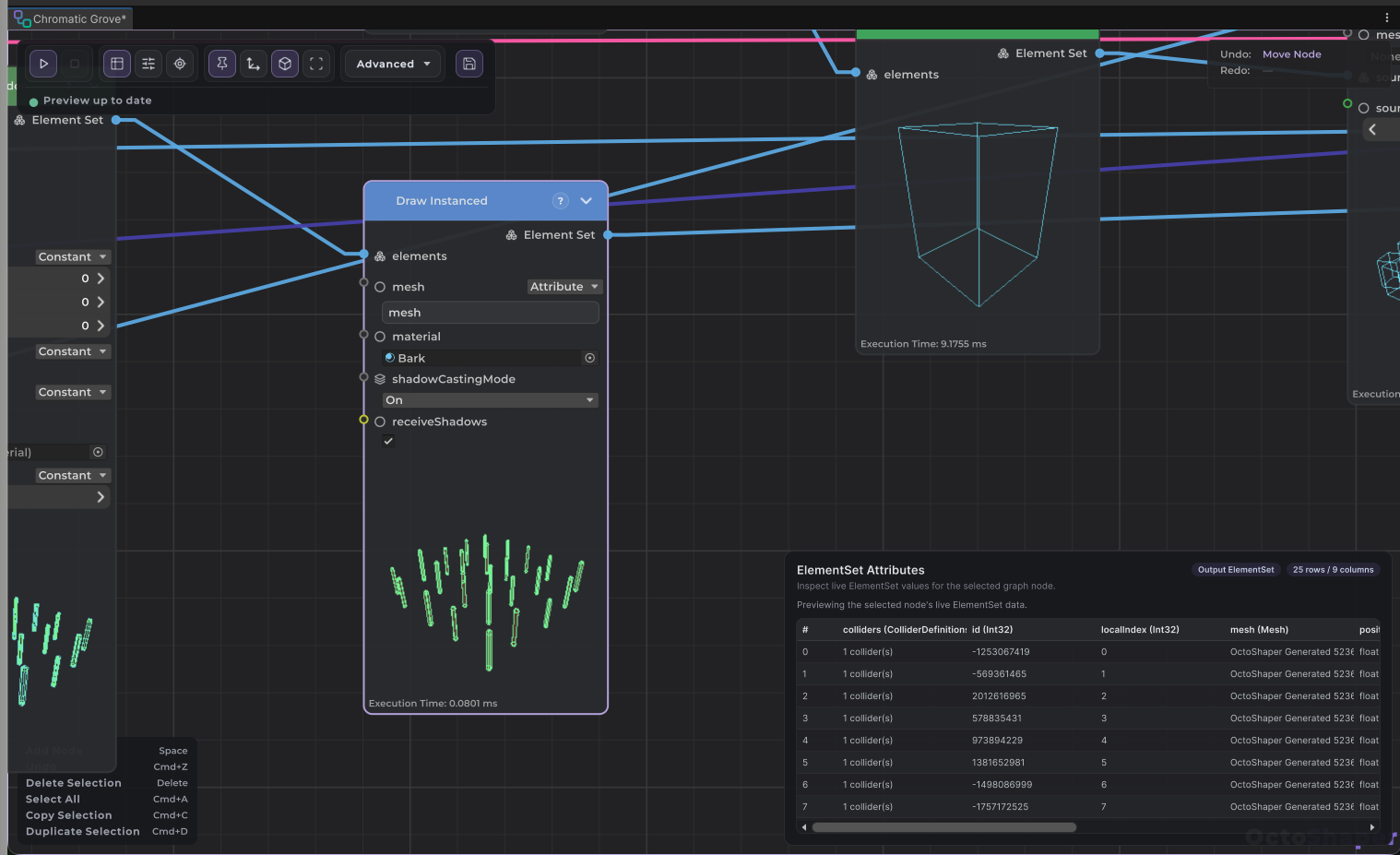
Preview graphs in an isolated Scene view stage, inspect any node's table, and keep large graphs responsive.
5 min read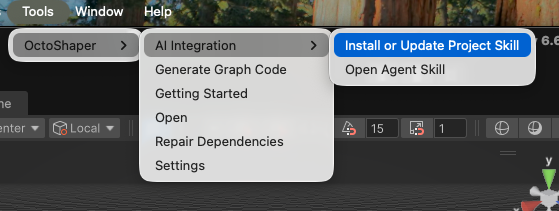
Let a coding agent build and refine OctoShaper graphs through the Unity 6 CLI and a bundled skill, or script the editor with JSON.
5 min readImport OctoShaper, let the dependency installer finish, and check your render pipeline for the samples.
4 min read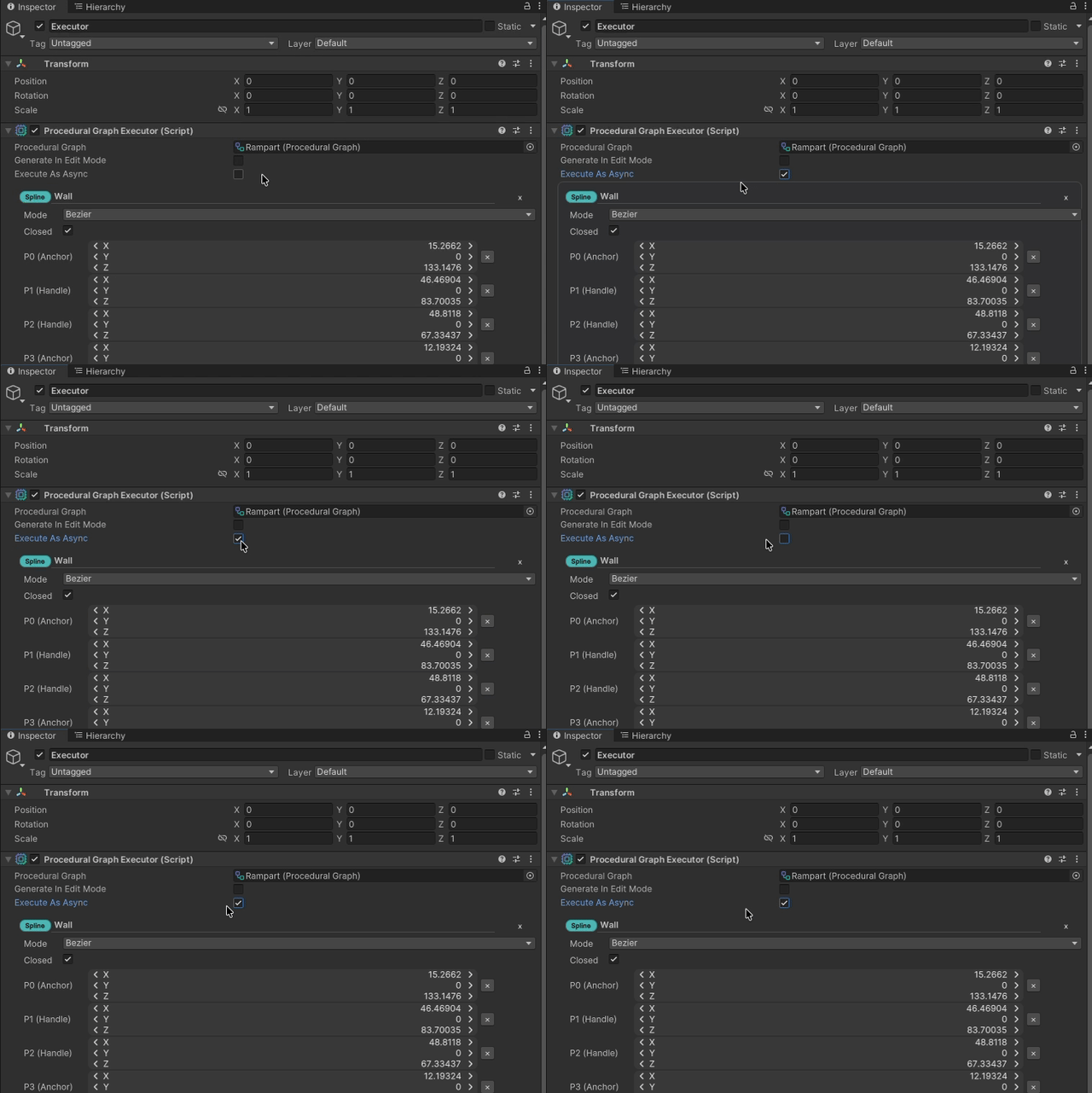
What changes when a graph runs asynchronously, in editor previews, on the executor and from code.
5 min read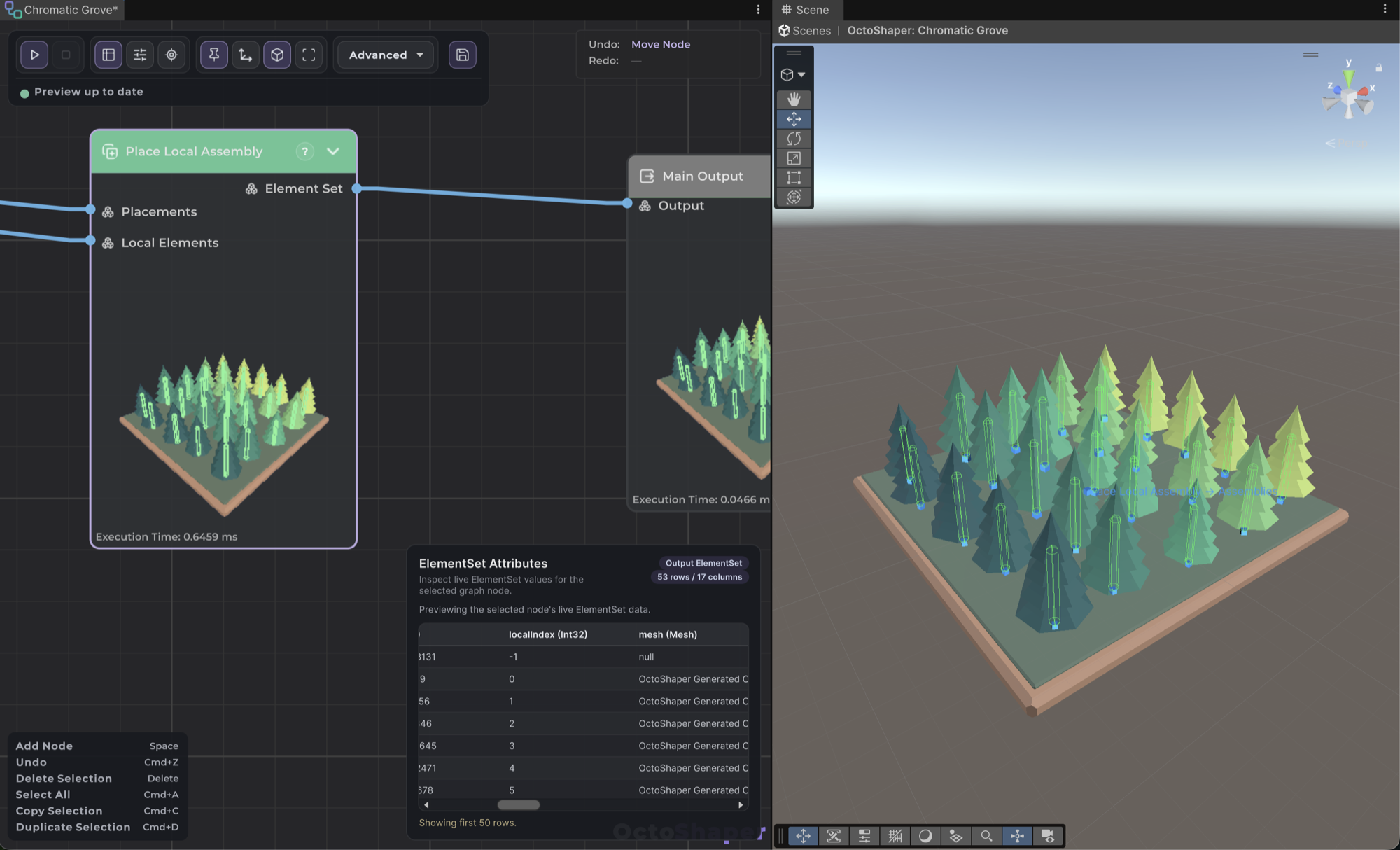
Author a prop once around the origin, then place it at every incoming transform with Local assembly or Place Local Assembly.
6 min readChoose between real GameObjects, GPU-instanced draws and indirect draws for generated content, and mix them in one graph.
7 min read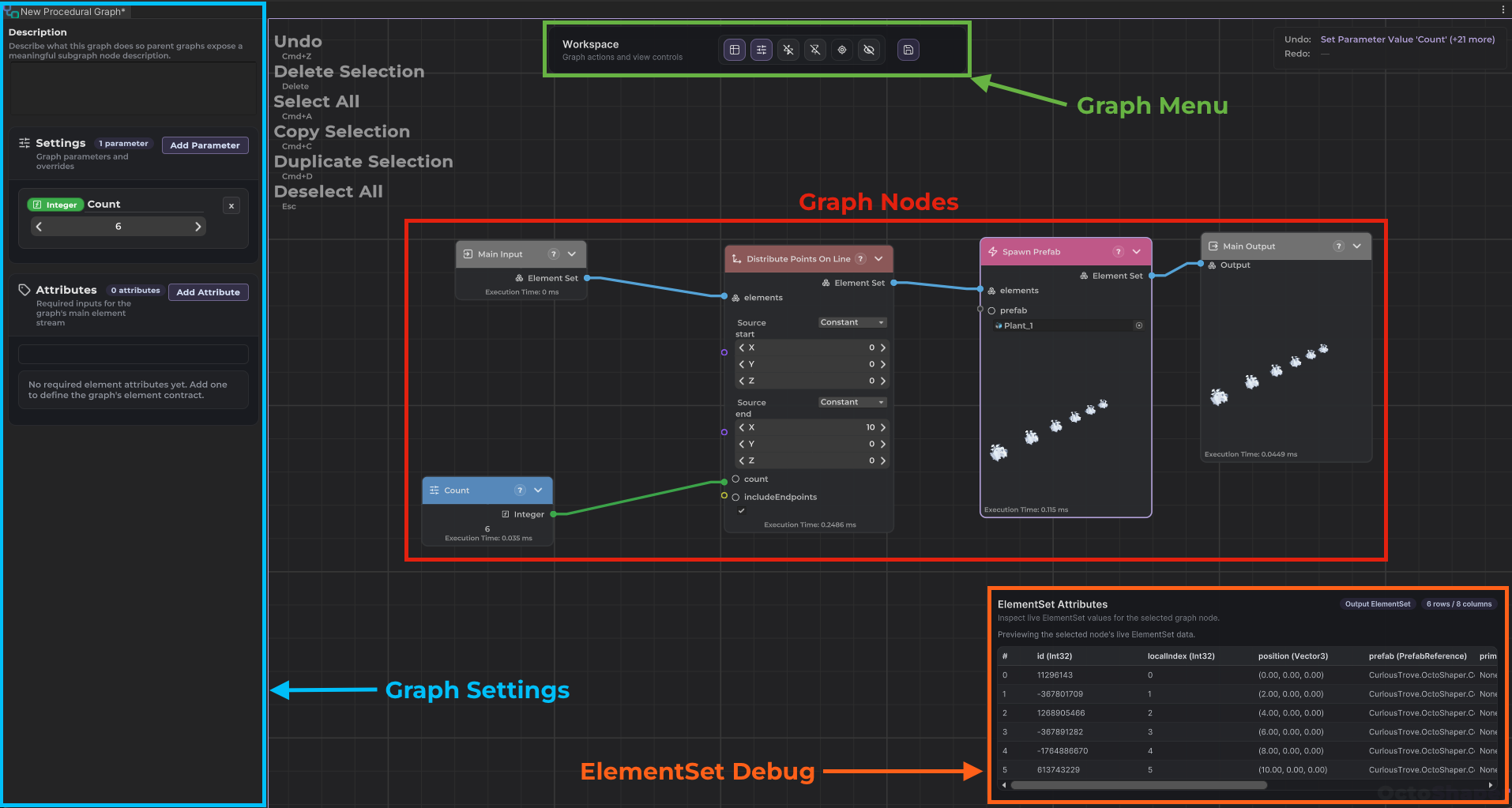
Create a graph, wire nodes from Main Input to Main Output, expose parameters and read port contracts.
5 min readManipulate compatible graph values in Unity's Scene view and distinguish interactive handles from output gizmos.
4 min read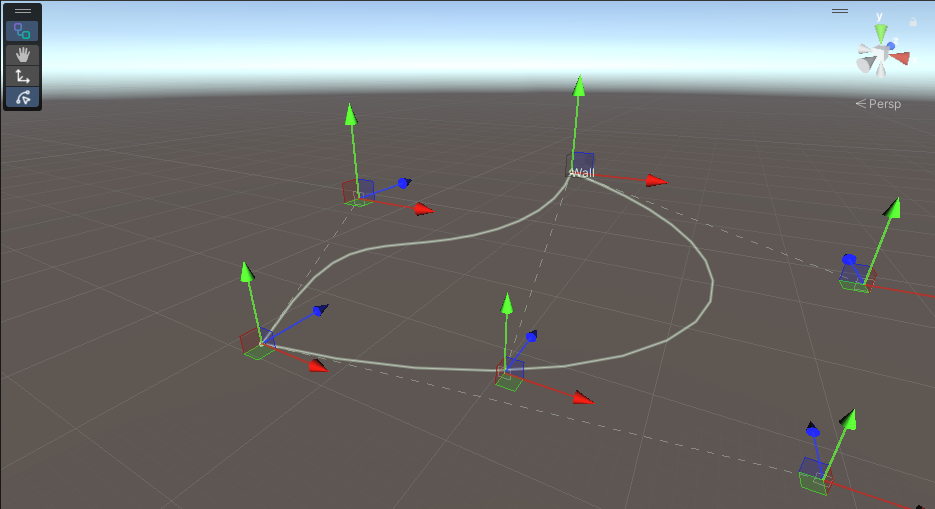
Author spline values and use sampling, distribution, query, and growth nodes to turn paths into procedural data.
7 min readDates are targets, not promises. The devlog has the details.
The full Unity package, with a stable set of features and public docs.
ShippedProcedural meshes, colours, textures and per-instance material overrides.
ShippedMixed instancing and async GPU rendering, for scenes with a lot more stuff in them.
Up next
The same node graphs, made for the Godot engine.
In development
One-time purchase, no subscription. Unity 2022.3 and newer.