

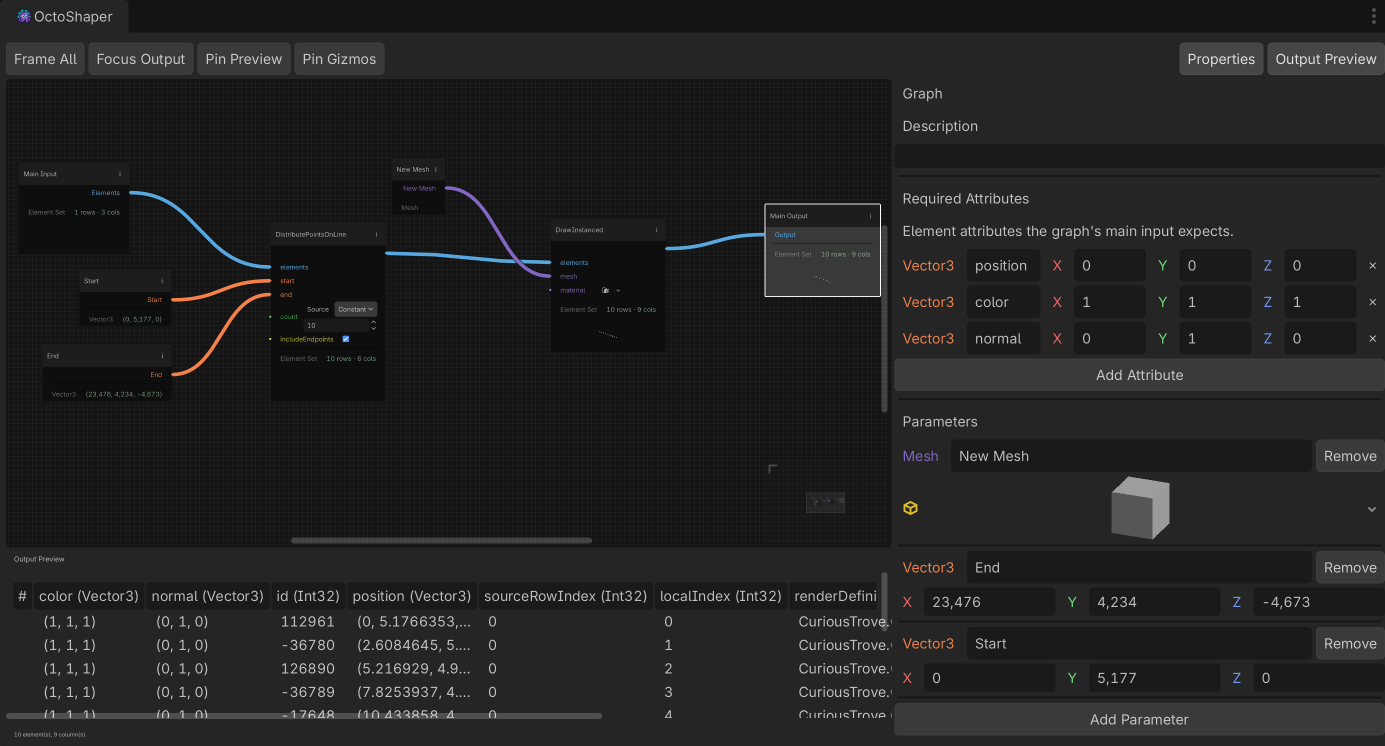
Procedural structures with immediate feedback.
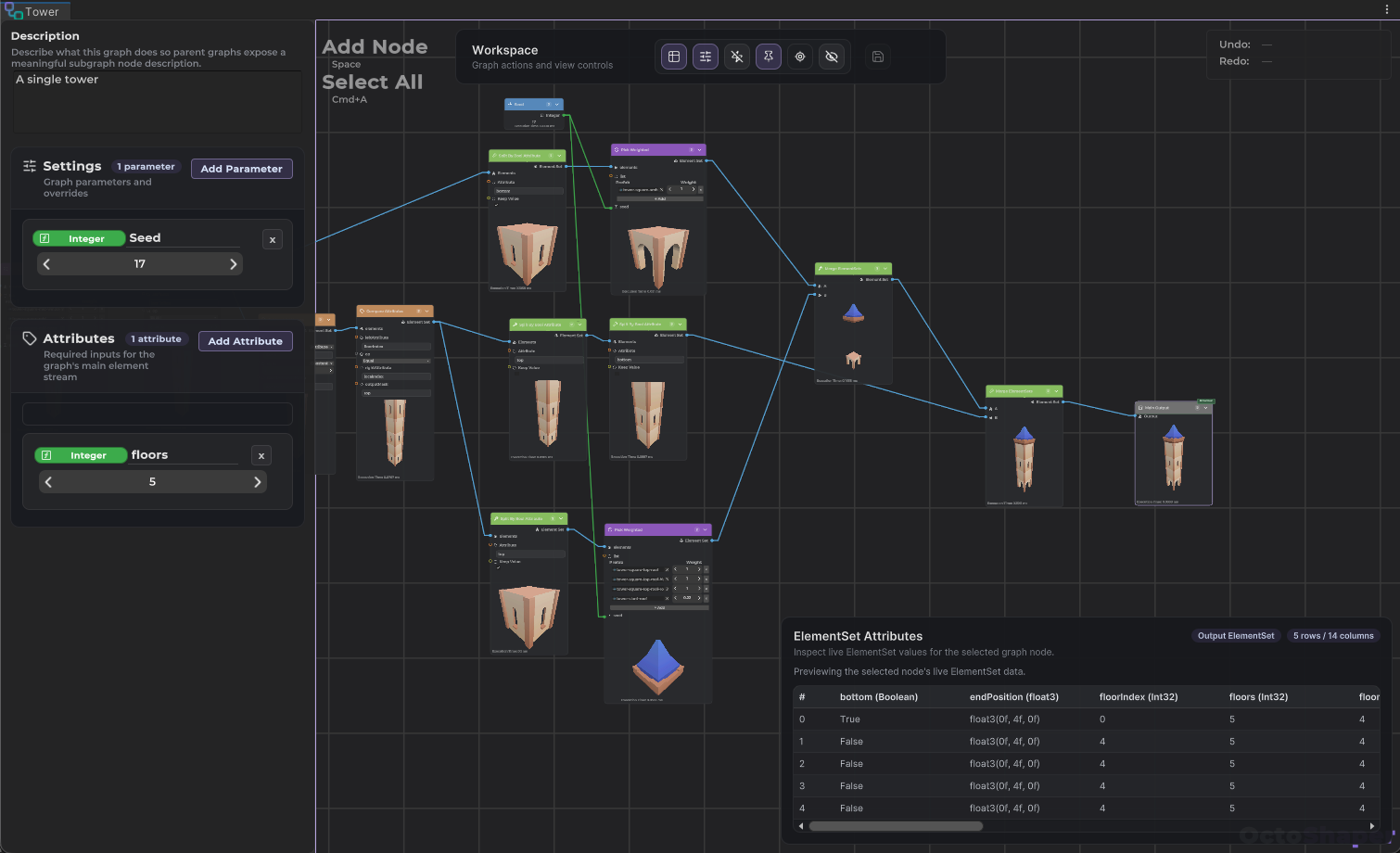
A strong fit for modular buildings, repeatable kits, and graph-controlled variation where designers want to see the structure change as parameters move.
Node-based procedural generation for Unity.
Download the beta
The fastest path to the current playable build and future updates.
Beta announcement video
View the devlog postCore capabilities
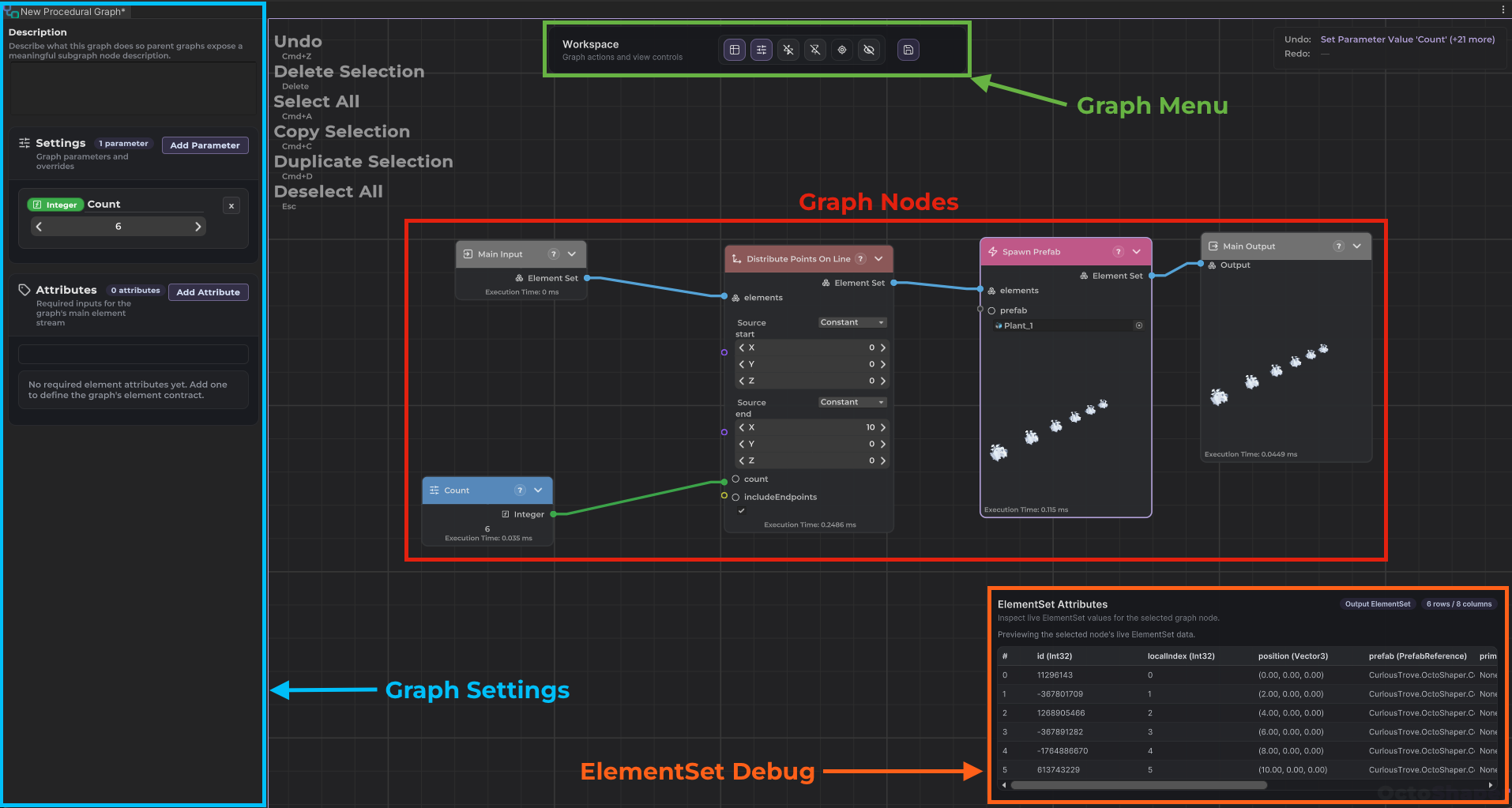
OctoShaper is aimed at graph-driven environment building, organic systems, reusable placement workflows, and runtime variation that still fits a Unity-native production pipeline.
A strong fit for modular buildings, repeatable kits, and graph-controlled variation where designers want to see the structure change as parameters move.
Good for buildings, modular kits, or anything where controlled variation matters more than one-off handcrafting.
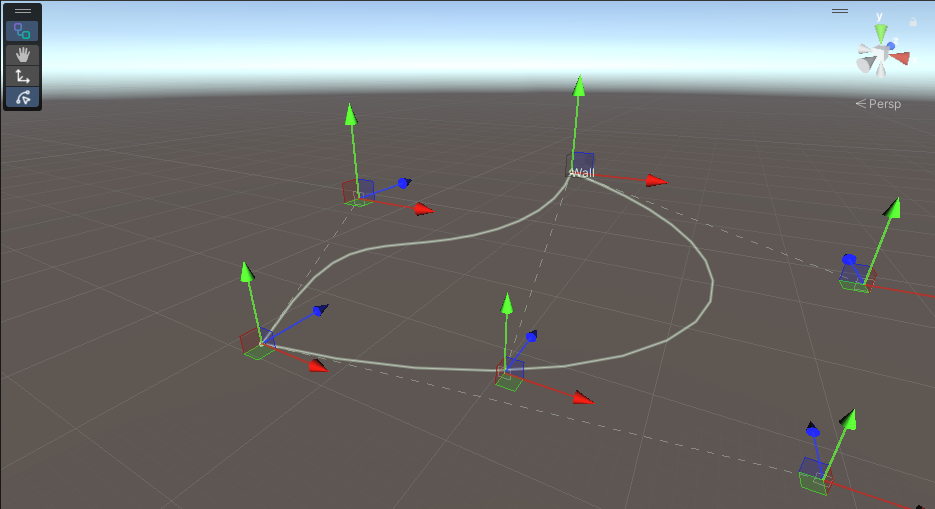
Useful for vines, roots, crystals, and other systems where you want growth rules instead of hand-placing every branch.
A practical workflow for terrain dressing, mesh-driven sampling, and dense prop distribution from reusable graph logic.
Use the same graph logic during play mode when you need spawning, variation, or regeneration to react to runtime state.
The top-level promise is simple. These details explain the parts of the workflow that matter when deciding whether OctoShaper fits your project.
Author and preview systems in the editor, then use the same procedural logic during gameplay when the project calls for runtime generation.
Immediate visual feedback makes graph editing easier to reason about and keeps iteration loops short while shaping content.
OctoShaper is designed to be useful inside Unity itself, without asking your day-to-day workflow to revolve around a separate DCC or offline procedural authoring stack.
The emphasis is on easier adoption and lower process overhead, so small teams can keep the tool in active use instead of treating it like a heavyweight pipeline commitment.
The goal is short iteration loops: change parameters, inspect the result, and keep moving without procedural authoring turning into a long feedback cycle.
Procedural prefabs make it easier to carry graph-driven assets across scenes and projects without rebuilding the setup each time.
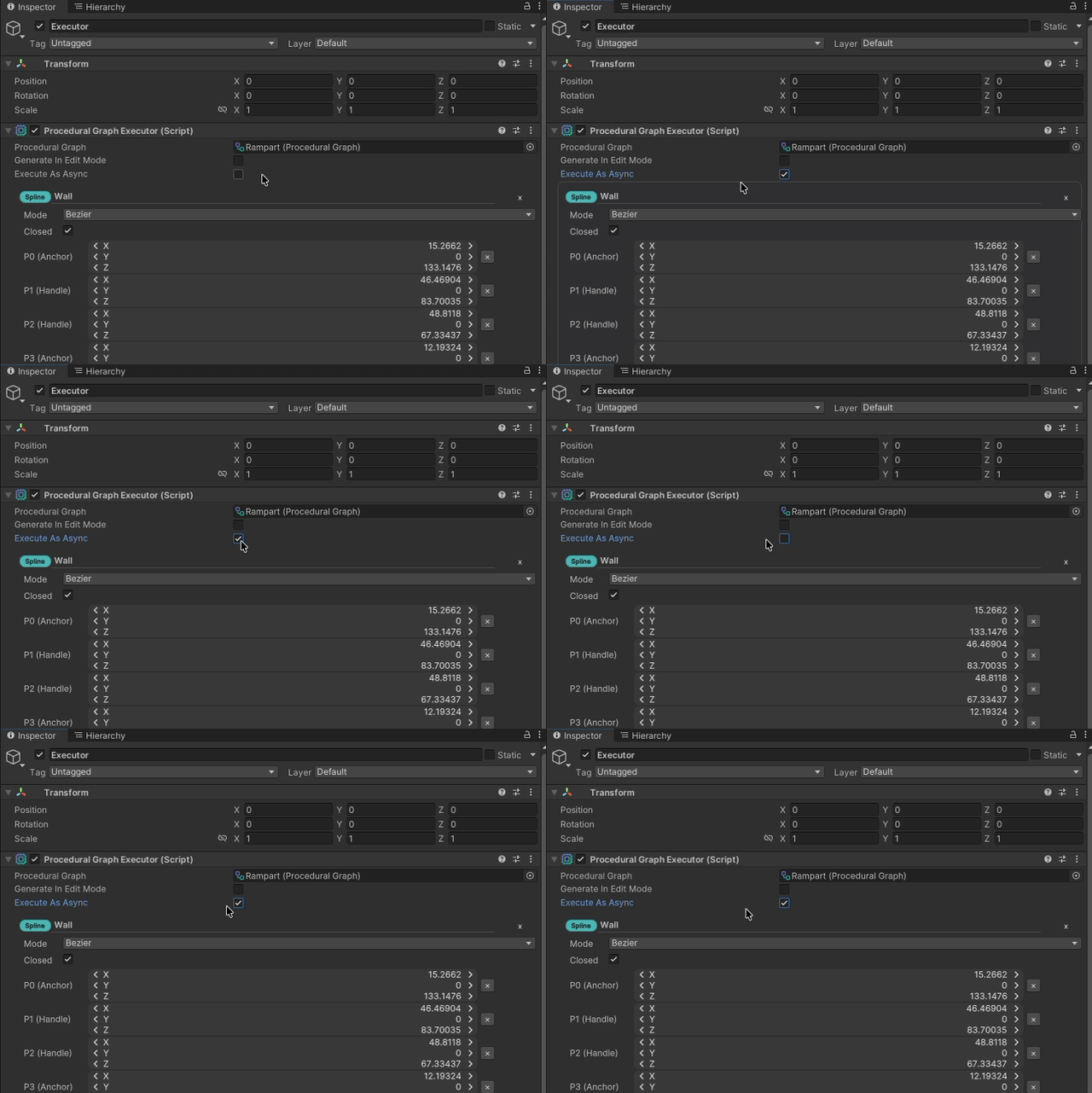
Some graphs need deterministic immediate execution. Others benefit from asynchronous work to keep the experience responsive. Supporting both gives the tool more room to fit different use cases without forcing one operating model everywhere.