
Sync vs Async: What Changes?
Sync and async execution run the same graph in the same dependency order. The choice changes how the caller waits for completion; it does not change the graph or automatically parallelize its nodes.
Execution Comparison
Sync and async side by side
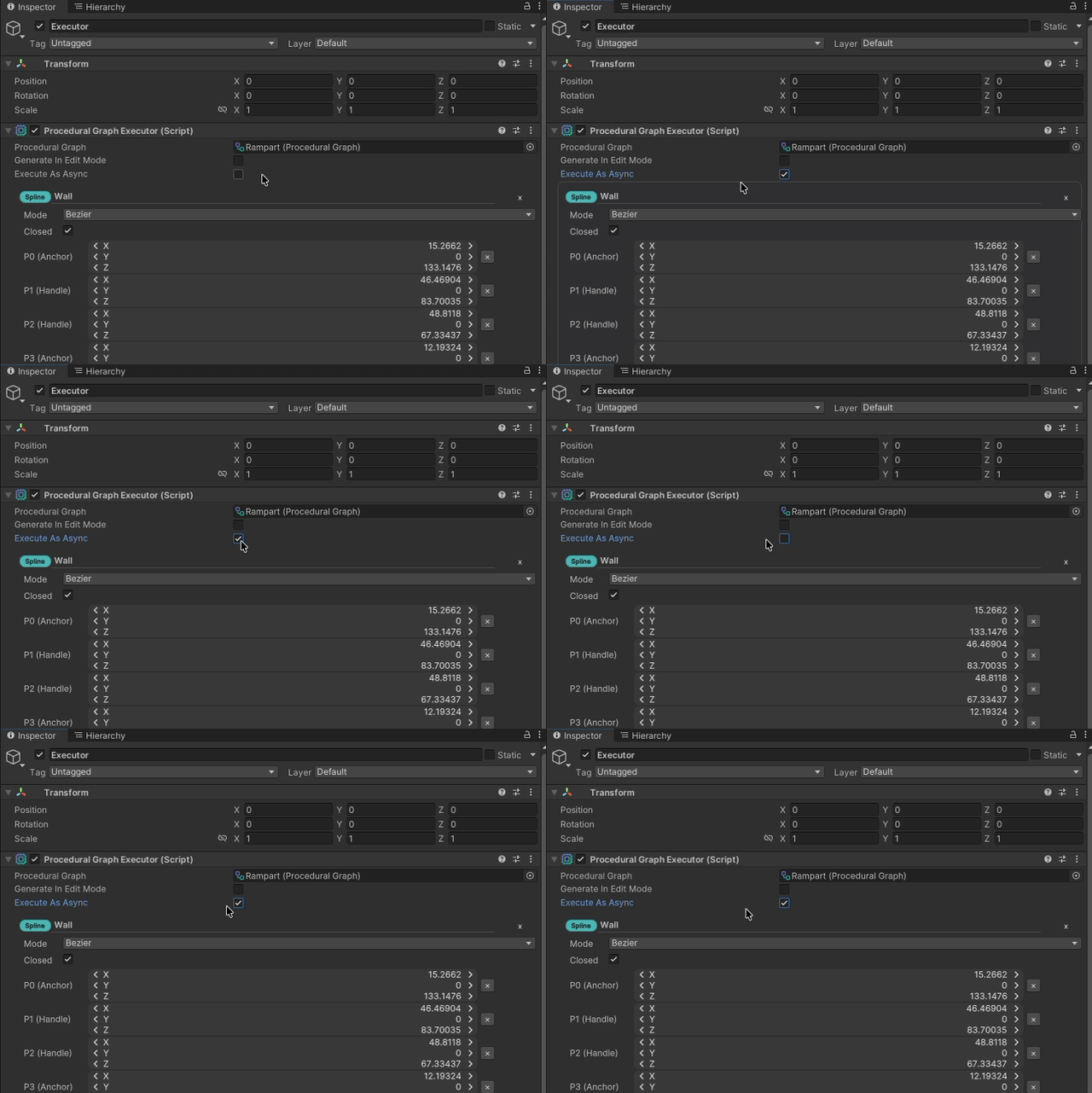
The graph behavior stays structurally identical, but the runtime path on the right shows how the async toggle changes the caller experience instead of the graph topology.
Synchronous execution
Use sync execution when you want immediate, deterministic completion before the next step in your workflow continues.
- Good for editor-side regeneration and tightly controlled gameplay moments.
- Easy to reason about because the result is ready when the call returns.
- If a graph contains async-capable nodes, the sync path waits for them to finish before continuing.
Asynchronous execution
Use async execution when node implementations naturally perform asynchronous work and you want the caller to await completion instead of blocking immediately.
- The graph still advances in topological order.
- OctoShaper does not automatically parallelize sibling nodes for you.
- Async helps when the work itself is async, not as a general promise of background speedup.
What stays the same
- The graph structure does not change. Nodes still run according to their dependencies.
- Outputs are published after each node completes, whether that completion is immediate or awaited.
- Subgraphs follow the same rules as top-level graphs.
API shape
The execution context, configuration, and output are the same. Only the entry point and completion model differ.
using System.Threading.Tasks;
using CuriousTrove.OctoShaper;
using UnityEngine;

public sealed class GraphExecutionExample : MonoBehaviour
{
    [SerializeField] private ProceduralGraph graph;

    public void RunSync()
    {
        using var context = OctoShaperRuntime.CreateExecutionContext(graph);
        var executor = OctoShaperRuntime.CreateExecutor(graph);

        executor.Execute(context, new ProceduralConfiguration());
    }

    public async Task RunAsync()
    {
        using var context = OctoShaperRuntime.CreateExecutionContext(graph);
        var executor = OctoShaperRuntime.CreateExecutor(graph);

        await executor.ExecuteAsync(
            context,
            new ProceduralConfiguration());
    }
}
Where you see this in Unity
The ProceduralGraphExecutor component exposes an Execute As Async option for play-mode regeneration. Keep synchronous execution as the straightforward default; choose async when a node or service already performs genuinely asynchronous work. See Runtime Generation for the component workflow.